
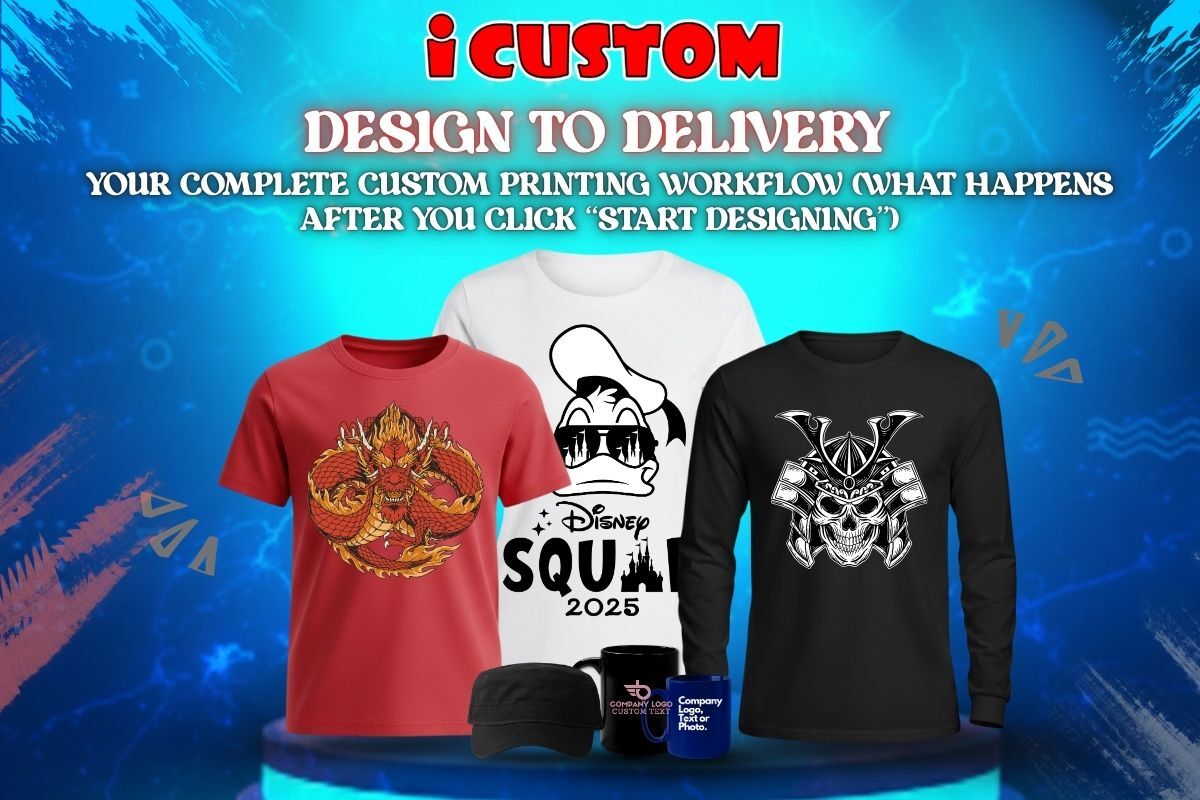
For many customers, creating personalized products like custom T-shirts, mugs, or stickers sounds exciting—but the process can feel mysterious. You upload your design, click a few buttons, and then… wait. What really happens between that first click and the final delivery?
This guide pulls back the curtain on custom T-shirt printing online and walks you through the entire production journey—from design upload to packaging. Whether you’re ordering a single custom mug or a bulk apparel set, understanding the workflow makes the experience smoother and more rewarding.
Let’s explore what happens behind the scenes when you create with iCustomCA, one of California’s leading custom print studios.
When you visit iCustomCA.com, that bright button—Start Custom Designing—is more than an invitation. It’s your entry point into a personalized production system that merges creativity, automation, and craftsmanship.
Click it, and the process begins.
First, you choose the product:
T-shirts for branding or personal wear
Hoodies and polos for teams or events
Mugs for gifts and office merch
Stickers for promotions or packaging
Each product type has its own printable area and specifications. The platform adjusts automatically so your artwork fits perfectly.
You then upload your design—anything from a company logo to a family photo. Supported formats typically include PNG, JPEG, SVG, and PDF.
Within seconds, you’ll see a real-time mockup: exactly how your upload your design T-shirt or mug will look after printing. This instant feedback helps you refine placement, scale, and color before finalizing.
Once you hit “Submit”, your file doesn’t go straight to print. The pre-press team reviews it to make sure it’s production-ready. This step is critical to ensure professional results.
Design specialists check:
Resolution: Minimum 300 DPI for crisp prints
Transparency: Backgrounds are properly isolated
Color Profile: Converted to CMYK (for print accuracy)
Alignment: Design fits printable area cleanly
If anything looks off, you’ll be contacted for revision—no surprises later.
You receive a digital proof for approval. This ensures that you’re happy with placement, sizing, and layout before printing begins.
Once approved, the design moves to production.
Not all designs or materials use the same printing technique. The iCustomCA team selects the ideal method based on your product and artwork.
Perfect for custom T-shirt printing online, DTG uses advanced inkjet technology to spray water-based inks directly into the fabric.
Best for:
Small to medium batches
Full-color or photographic designs
Cotton or cotton-blend garments
Benefits:
No setup fees
Soft, breathable prints
Sharp detail for complex artwork
The traditional choice for bulk orders. Ink is pushed through a stencil mesh onto fabric.
Best for:
High-volume T-shirt or hoodie runs
Simple logos or text designs
Long-lasting wear
Benefits:
Extremely durable
Bright, vibrant color payoff
Cost-effective for large orders
Used primarily for polyester garments and promotional products like mugs and flags.
Best for:
Custom mug printing and team jerseys
All-over prints or photographic detail
Benefits:
Permanent ink infusion (won’t peel or crack)
Vivid color saturation
Ideal for high-resolution images
Vinyl heat transfers are ideal for names, numbers, and specialty finishes like metallic or glow.
Best for:
Custom jerseys and event shirts
Unique one-offs or short runs
For custom sticker printing, wide-format printers use UV-resistant inks on durable vinyl. Stickers are then cut using digital contour cutters for precise edges.
Best for:
Brand logos, packaging, labels
Promotional giveaways
Once your design and method are finalized, the production floor comes alive. Here’s what happens next:
Each item—whether a T-shirt, hoodie, or mug—is checked for flaws and pre-treated (if required).
For apparel, this ensures the ink bonds perfectly to the fibers. For mugs and stickers, it ensures clean adhesion.
Operators run your design through printers calibrated for color accuracy.
For DTG, the printer head lays down ink in precise micro-layers.
For sublimation mugs, your design is heat-pressed into the surface at 400°F—literally becoming part of the ceramic glaze.
After printing, items are heat-cured or dried to lock in color durability. This step ensures your design resists fading even after dozens of washes.
Every piece is checked for:
Color consistency
Alignment accuracy
Smudge-free surfaces
Proper curing and finish
No item leaves the shop until it passes inspection.
Mugs are among the most popular gift items in custom printing. They follow a distinct workflow.
Your uploaded artwork is mirrored and printed onto transfer paper using sublimation ink.
The design-wrapped mug is placed in a heat press machine. Under high heat and pressure, the ink vaporizes and embeds into the mug’s coating.
The result? A custom mug print that’s dishwasher-safe, glossy, and long-lasting.
Each mug is cooled slowly to prevent cracking, then inspected for print alignment and color depth.
Stickers follow a fully digital workflow—ideal for small businesses and creators.
The uploaded design is vectorized for precise cutting.
Bleed areas and safe zones are added to prevent trimming errors.
High-resolution printers produce stickers on weatherproof vinyl with UV-protected inks.
A plotter cuts around each design with laser precision. Stickers are then laminated (optional) for extra durability.
Your stickers are either sheeted or rolled, depending on quantity and use—ready for labeling, sealing, or handouts.
Once all items are printed and inspected, they move through a final prep stage.
Apparel is neatly folded, bagged, and labeled by size.
Mugs are boxed with protective inserts.
Stickers are sealed in waterproof sleeves.
Each order is double-counted against your original list to ensure nothing’s missing or duplicated.
If you’re in the Bay Area, you can choose same-day pickup at iCustomCA (for orders placed before noon).
Otherwise, items are securely packed and shipped nationwide.
Even with advanced tech, the secret to great printing lies in the people.
Each stage—from proofing to packaging—is handled by skilled staff who treat your order like their own project.
This hands-on care ensures every custom T-shirt printing online order feels as personal as it looks.
Knowing how things work builds trust. When customers understand the process, they’re more comfortable ordering again and trying new products.
Understanding file specs and proofing steps reduces errors, saving time and reprints.
The more informed you are, the faster your order moves—since approvals and communications are smoother.
Printing isn’t just a transaction—it’s collaboration between creator and craftsman. iCustomCA’s transparency turns every order into a creative partnership.
Use High-Resolution Files (300 DPI)
Low-quality uploads create blurry results.
Keep Designs Simple for Small Items
Intricate details don’t always scale well for stickers or mugs.
Choose Colors Wisely
Contrast ensures visibility—dark ink on light garments and vice versa.
Ask for Proofs
Always review before printing.
Double-Check Sizes & Quantities
Especially for bulk T-shirts or team orders.
Opt for Local Pickup If Possible
It saves shipping time and gives you a chance to inspect your prints in person.
A small café in Fremont needed custom mugs and T-shirts for their soft opening—but only had one day.
They uploaded designs through iCustomCA’s online tool, approved proofs by noon, and picked up the finished products by evening.
The launch went perfectly—staff in matching tees, branded mugs on tables, and stickers sealing every takeaway cup.
That’s the speed and precision of a well-oiled custom print workflow.
iCustomCA’s process minimizes waste by:
Printing on demand (no overproduction)
Using eco-friendly inks and water-based pigments
Reducing shipping through local pickup
This ensures every custom sticker or mug print supports sustainable business practices.
“Online means low quality.”
Not true. With professional equipment and quality checks, online prints rival high-end retail standards.
“It’s complicated.”
iCustomCA’s design tool simplifies every step, even for beginners.
“I can’t visualize the result.”
The live mockup shows exactly what your product will look like before you buy.
“Local printers take too long.”
With same-day options, you can design, print, and pick up in hours—not days.
One-stop shop: Apparel, mugs, stickers, and more under one roof
Online + local hybrid: Design online, pick up in person
Fast turnaround: Same-day pickup on qualifying orders
Premium materials: High-quality blanks and eco inks
Transparent process: Proof approval ensures zero surprises
Whether you’re ordering 1 item or 1,000, the quality stays consistent.
|
Stage |
Action |
Your Role |
|
1 |
Start Custom Designing |
Choose product & upload design |
|
2 |
Design Review |
Approve proof |
|
3 |
Printing |
Relax while production runs |
|
4 |
Quality Check |
Team inspects output |
|
5 |
Packaging |
Items labeled & sealed |
|
6 |
Pickup/Delivery |
Receive your custom items! |
Every great custom product starts with an idea—and at iCustomCA, that idea is handled with care from upload to delivery.
Whether you’re ordering custom T-shirts online, printing mugs for your team, or creating stickers for your brand, the process is built to be fast, transparent, and reliable.
Your creativity fuels the design. iCustomCA brings it to life.
So the next time you’re ready to print, don’t just click “Start Designing.”
Know that behind that click is a team, a process, and a promise—to turn your vision into something tangible, wearable, and unforgettable.

